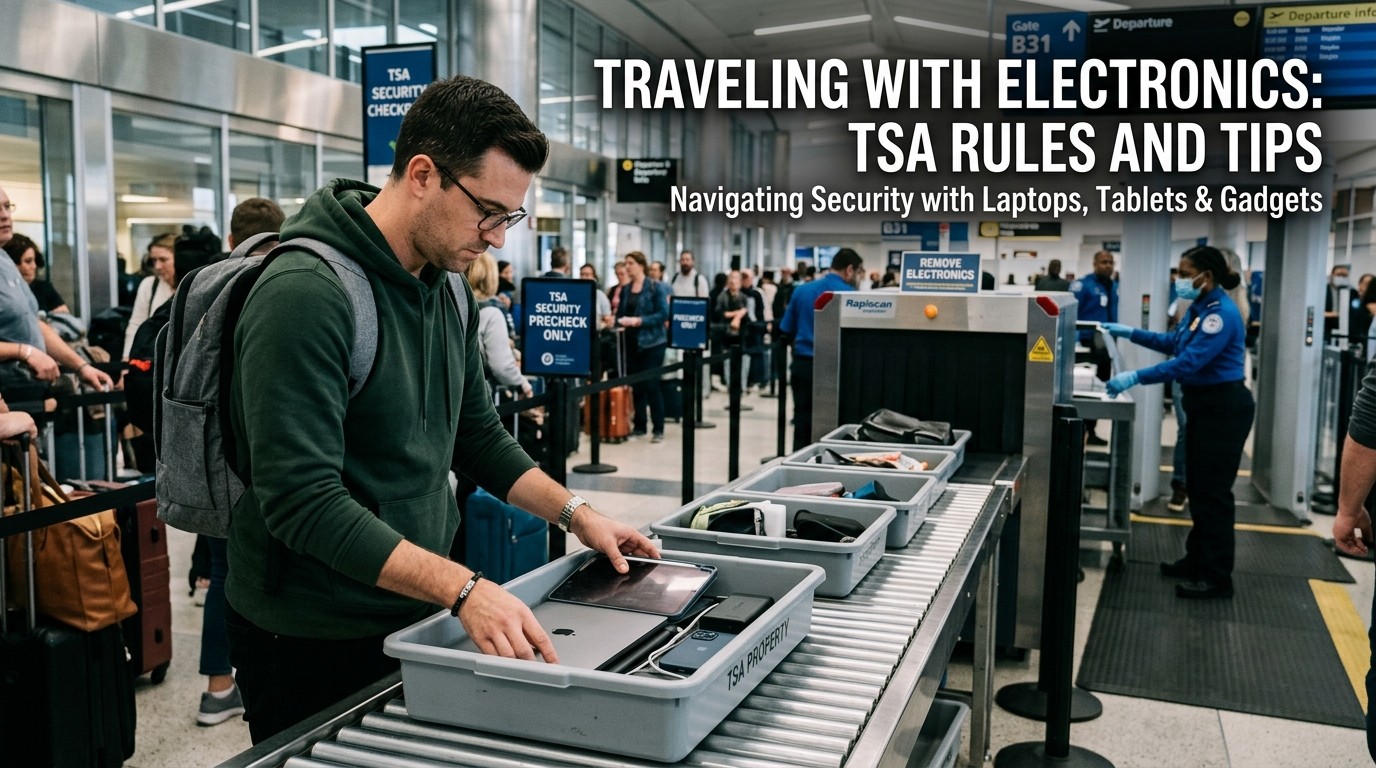
Traveling With Electronics gets easier when you know what TSA expects, how battery rules work, and how to pack devices so screening is faster and less stressful.
Traveling With Electronics is simple only when you know the rules before you leave home. Phones, laptops, tablets, chargers, cameras, and battery packs all seem harmless until security screening, gate checks, or baggage decisions force you to make a quick choice. That is where most travel stress starts. Traveling With Electronics becomes far smoother when you understand which items TSA prefers in carry-on bags, which batteries must stay with you, and which devices may be removed during screening. It also helps you avoid delays, unpacking mistakes, and the kind of last-minute repacking that makes airport lines feel longer than they are.
Traveling With Electronics is also about psychology, not just rules. Travelers tend to rush when they are tired, worried about boarding, or trying to protect expensive gear. That rush often causes the exact mistakes security officers see every day: mixed cables, buried power banks, and devices packed deep in a bag. Traveling With Electronics is easier when you slow down and pack with a clear system, because a calm traveler usually makes better decisions than a hurried one.
What TSA Actually Wants You to Know
At a basic level, Traveling With Electronics is allowed, but TSA recommends packing expensive or fragile electronics in your carry-on whenever possible. TSA’s own guidance says you can place electronics in either checked or carry-on bags, but it recommends carry-on for valuable or delicate items. That recommendation matters because carry-on bags stay with you, while checked bags can be delayed, handled roughly, or separated from you for part of the trip. Traveling With Electronics becomes much more secure when you treat your carry-on as the safest home for the devices you care about most.
This is especially important for travelers carrying work gear, cameras, tablets, or backup phones. Traveling With Electronics is not just about passing inspection; it is also about keeping your tools available and protected during the trip. If your device is important enough to affect your plans, it is usually important enough to keep close. TSA’s guidance supports that instinct by recommending carry-on for expensive or fragile electronics.
Carry-On Versus Checked Bags
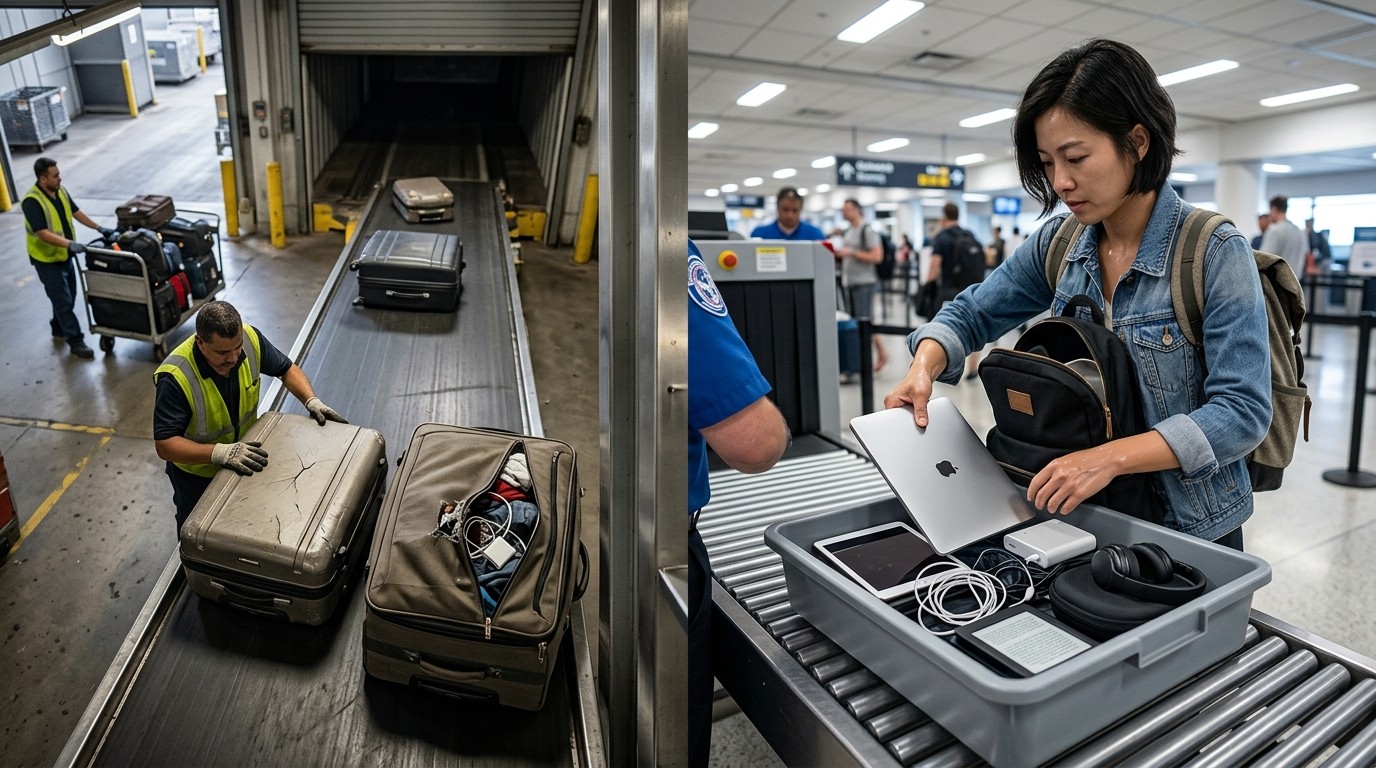
The best default choice for Traveling With Electronics is carry-on. That does not mean every item must always stay in your bag, but it does mean your most important devices should usually stay with you. TSA and FAA guidance both make the battery issue especially clear: spare lithium batteries, including power banks, must be in carry-on baggage only. The FAA adds that if a carry-on bag is checked at the gate or planeside, spare batteries and power banks must be removed and kept with the passenger in the aircraft cabin. Traveling With Electronics gets much safer when you treat your carry-on as the real storage place for anything battery-powered and irreplaceable.
Checked baggage can still be appropriate for some electronics, especially if they are not fragile, not battery-dependent, and not needed during the flight. Even then, careful packing matters. TSA advises travelers to pack electronics carefully and wrap cords so items are not damaged in transit. Traveling With Electronics should therefore be planned like a protection strategy, not a packing afterthought. If you would regret losing it, breaking it, or not being able to access it, it probably belongs in your carry-on.
A Practical Rule of Thumb
A simple way to think about Traveling With Electronics is this: carry-on for anything valuable, fragile, powered by a spare lithium battery, or needed for the journey itself. That rule reduces surprises at the airport and keeps your essential gear closer to you. It also aligns with TSA’s recommendation to keep expensive electronics in your carry-on and FAA’s battery rules about cabin-only transport for spare lithium batteries and power banks.
Lithium Batteries, Power Banks, and Chargers
Battery rules are the part of Traveling With Electronics most travelers need to remember first. TSA states that portable chargers or power banks containing a lithium-ion battery must be packed in carry-on bags, and spare lithium batteries must also stay in carry-on baggage. FAA guidance is even more direct: spare lithium batteries and power banks belong in the passenger cabin, not in checked baggage. That is because cabin crews can respond more quickly if a battery overheats or malfunctions in the cabin than if it is hidden in the cargo hold. Traveling With Electronics becomes much less risky once you understand that batteries are treated differently from the devices they power.
For most travelers, that means phone battery packs, extra camera batteries, and replacement laptop batteries should never go into checked luggage. TSA also notes that some larger lithium batteries have additional restrictions and capacity limits. FAA guidance explains that batteries over 160 watt-hours are not allowed on passenger aircraft, while smaller spare batteries remain subject to cabin-only requirements. Traveling With Electronics should therefore include a quick battery check before each trip, especially if you carry professional gear or high-capacity charging equipment.
Screening at the Checkpoint
The checkpoint is where Traveling With Electronics can slow down if you are not prepared. TSA’s travel checklist says to remove personal electronic devices larger than a cell phone from your carry-on and place them into a bin for X-ray screening. That means laptops, tablets, and similar larger devices may need to come out, unless you are using a lane or technology that changes the process. Traveling With Electronics goes more smoothly when those items are packed where you can reach them quickly.
At the same time, not every lane works the same way. TSA says TSA PreCheck travelers do not need to remove laptops or many other items, and TSA also notes that when CT scanners are in use, travelers do not need to remove electronics or travel-size liquids from carry-on bags. Traveling With Electronics is therefore not only about what you pack, but also about what kind of screening lane you use. If your airport has different lanes, your experience may change a lot.
What That Means in Real Life
The smartest way to handle Traveling With Electronics at security is to expect the standard process and then benefit if your lane is easier. Pack laptops and tablets on top of your bag, keep cables from tangling, and avoid burying devices under clothes. If the lane uses newer CT scanners or you have TSA PreCheck, you may not need to remove those devices, but you should still be ready to do so if asked. Traveling With Electronics rewards preparation because preparedness shortens the time you spend repacking in public.
Build a Packing System That Saves Time
A good packing system makes Traveling With Electronics feel much more organized. Put the most important device near the top of your carry-on so it can be removed easily if screening requires it. Keep chargers together in a pouch, use cable ties or wraps, and avoid loose battery packs rolling around the bag. TSA’s checklist and travel guidance both support packing electronics accessibly and neatly. Traveling With Electronics becomes much less stressful when every device has a predictable place.
This is where a Travel Documents Organizer becomes surprisingly useful. You can keep passports, boarding passes, printed confirmations, SIM information, and charging accessories together instead of digging through your bag at the worst moment. Traveling With Electronics is easier when the paper side of the trip is organized too, because device problems and document problems often happen at the same time. A compact organizer helps reduce that chaos.
Keep Cables and Accessories Visible
Do not bury your cords, adapters, and spare batteries at the bottom of the bag. Travel day is not the time to untangle a six-cable knot in front of the X-ray belt. Traveling With Electronics works better when accessories are grouped in one pocket or pouch, with spare batteries placed correctly in the cabin bag. TSA and FAA guidance on batteries is clear, but travelers still need a layout that makes compliance easy. Traveling With Electronics becomes smoother when the bag itself helps you follow the rules.
Packing for Longer Flights and Heavier Loads
Packing for Long Haul Flights changes the way you should think about electronics. On longer flights, people often want laptops, tablets, noise-canceling headphones, chargers, and a power bank accessible without unpacking the entire bag. That makes organization even more important. Traveling With Electronics is at its best when your carry-on is packed in layers: essentials on top, backups below, and batteries in the correct compartment. TSA’s travel checklist specifically recommends placing large electronics on top for easier access during screening.
Long-haul travel also makes battery planning more important. You may be away from outlets for many hours, so your devices need enough charge to survive boarding, flight time, layovers, and arrival. Traveling With Electronics on a long trip is not just about security rules; it is also about having a practical power plan. The best travelers think ahead about charging windows, plug types, and the order in which devices should be used in transit.
Power Strategy in the Air and on the Ground
A smart power strategy matters because Traveling With Electronics often fails when travelers rely on a single charger or a single battery pack. Keep a main charger, a backup cable, and at least one correctly packed power bank in your carry-on if airline rules and battery capacity allow it. TSA and FAA both emphasize that power banks and spare lithium batteries should remain with the passenger in the cabin. Traveling With Electronics is easier when your backup power is actually available, not trapped in checked luggage.
It also helps to choose charging gear that matches your trip. If you are carrying a laptop, tablet, and phone, a multi-port charger can reduce clutter. If you are carrying only a phone, a smaller setup may be enough. Traveling With Electronics gets less chaotic when each charger has a clear purpose. That way, you are not lugging around unnecessary weight or overpacking battery gear that you will not use.
Device-by-Device Thinking
Different devices have different travel needs, and Traveling With Electronics is easier when you think about each category separately. Laptops are often the most sensitive because they carry files, work tools, and larger batteries. Tablets are easier to pack but still valuable and fragile. Cameras may have removable batteries and memory cards that need careful organization. E-readers, game consoles, and headphones may be smaller, but they still deserve protection from pressure, heat, and loss. TSA’s general guidance supports keeping valuable electronics in carry-on when possible. Traveling With Electronics becomes much easier when each device is packed with its own role in mind.
If you are flying with a laptop, remember that TSA says electronics larger than a cell phone may need to be removed at standard screening, while TSA PreCheck and CT-scanner lanes can change that experience. Traveling With Electronics is therefore not identical for every airport or every traveler. The device is the same, but the screening method may differ. That is why your packing style should be flexible enough to handle both the standard procedure and the faster one.
Special Cases Worth Checking
Some high-capacity battery products have extra restrictions, and damaged or recalled batteries should never be treated casually. FAA guidance warns about capacity limits and cabin-only requirements for spare batteries and power banks, especially for larger watt-hour ratings. Traveling With Electronics becomes safer when you inspect battery labels before departure and avoid bringing questionable or damaged batteries on the trip. A quick check at home prevents a big problem at the airport.
Connectivity Planning Matters Too
Traveling With Electronics is not only about the device itself. It is also about how you stay connected once you land. If you rely on roaming, unknown Wi-Fi, or last-minute SIM purchases, the trip can become expensive very quickly. That is why many travelers plan connectivity before departure. The goal is to keep maps, messages, and bookings available without creating a huge bill when you return home. Traveling With Electronics goes much more smoothly when connectivity is part of the plan instead of an emergency decision.
A lot of travelers also research How to Avoid Huge Phone Bills before a trip because roaming charges can surprise people even more than baggage rules do. This is where Best International eSIM Solutions can be useful, since travelers often want data access without swapping physical SIM cards or depending entirely on open airport Wi-Fi. Traveling With Electronics works best when your phone is useful, reachable, and predictable wherever you go.
A Simple Airport Routine You Can Repeat
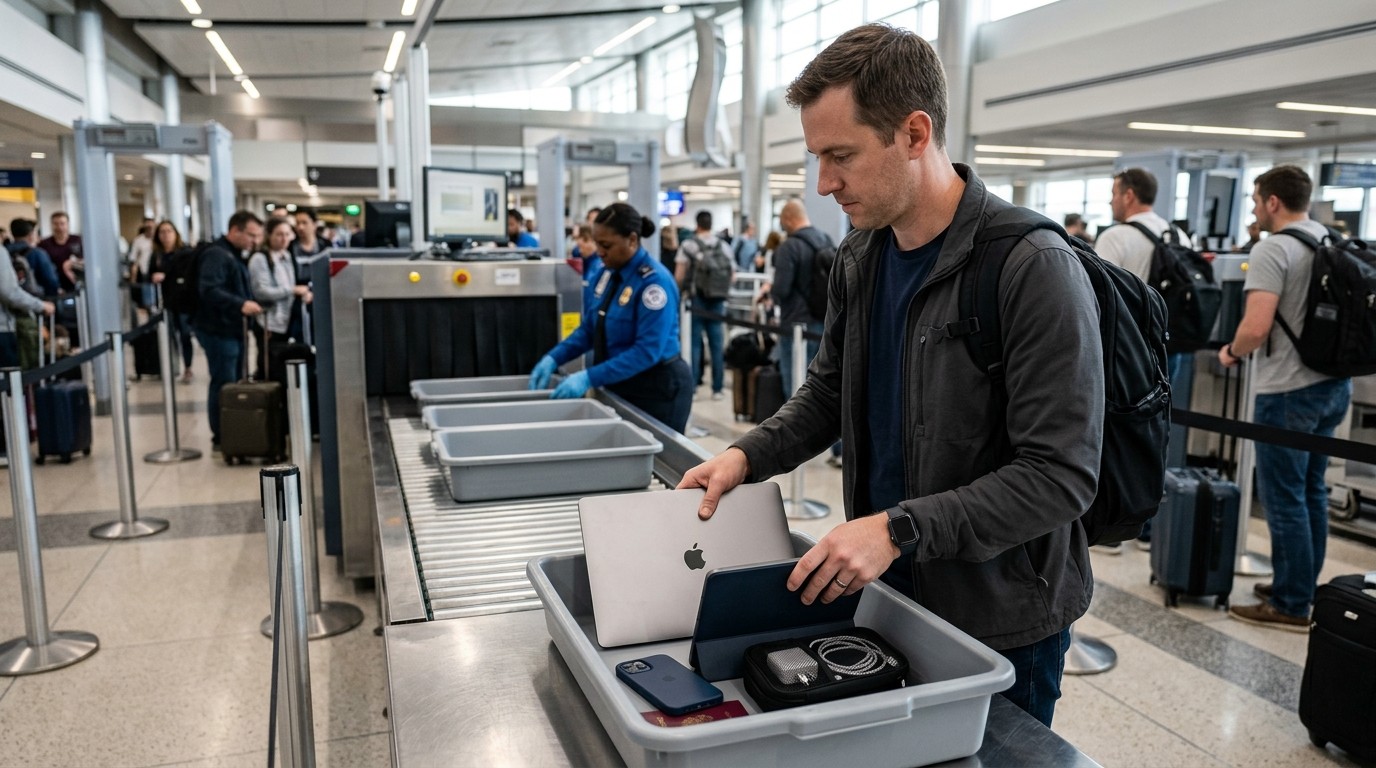
The best airport routine for Traveling With Electronics is simple: charge everything the night before, pack batteries in the carry-on, keep large devices near the top, and place what you may need during screening where you can reach it fast. If you are using TSA PreCheck or a CT lane, you may have an easier screening experience, but your preparation should still assume the standard process. Traveling With Electronics becomes much less stressful when the same routine works at almost every airport.
It also helps to arrive early enough that you are not rushing. Rushed travelers make packaging mistakes, forget chargers, or leave devices in side pockets where they are hard to remove. Traveling With Electronics is safer when you give yourself enough time to handle security calmly. That extra margin turns a messy scramble into a routine step.
Fast Reference for Common Devices
| Item | Best Packing Choice | Security Note |
|---|---|---|
| Phone | Carry-on | Keep accessible |
| Laptop | Carry-on | May need removal at standard screening |
| Tablet | Carry-on | Often treated like larger electronics |
| Power bank | Carry-on only | Spare lithium battery rules apply |
| Camera battery | Carry-on only | Protect from short circuit |
| Headphones | Carry-on or checked | Better in carry-on if valuable |
This table is a quick reminder that Traveling With Electronics is mostly about one thing: keep the battery-powered, valuable, or fragile pieces where you can control them. TSA and FAA guidance consistently support that strategy. Traveling With Electronics is easier when the packing choice is obvious before you reach the checkpoint.
Hotel, Work, and In-Trip Charging
Once you land, the next stage of Traveling With Electronics is keeping everything charged and secure in the hotel or rental. Use the room outlet setup carefully, and charge devices in a place where cords will not be damaged or forgotten. If you work remotely, keep your laptop and phone in the same known location each night so nothing gets left behind. Traveling With Electronics is often lost not because of the flight, but because of the hotel checkout rush.
If you are using electronics for work, another good habit is to separate active-use gear from backup gear. That way you know which charger belongs to which device and which battery pack is already packed for the next travel leg. Traveling With Electronics becomes more reliable when you treat the trip as a chain of charging sessions rather than one single checkpoint event.
Family Travel and Shared Gear
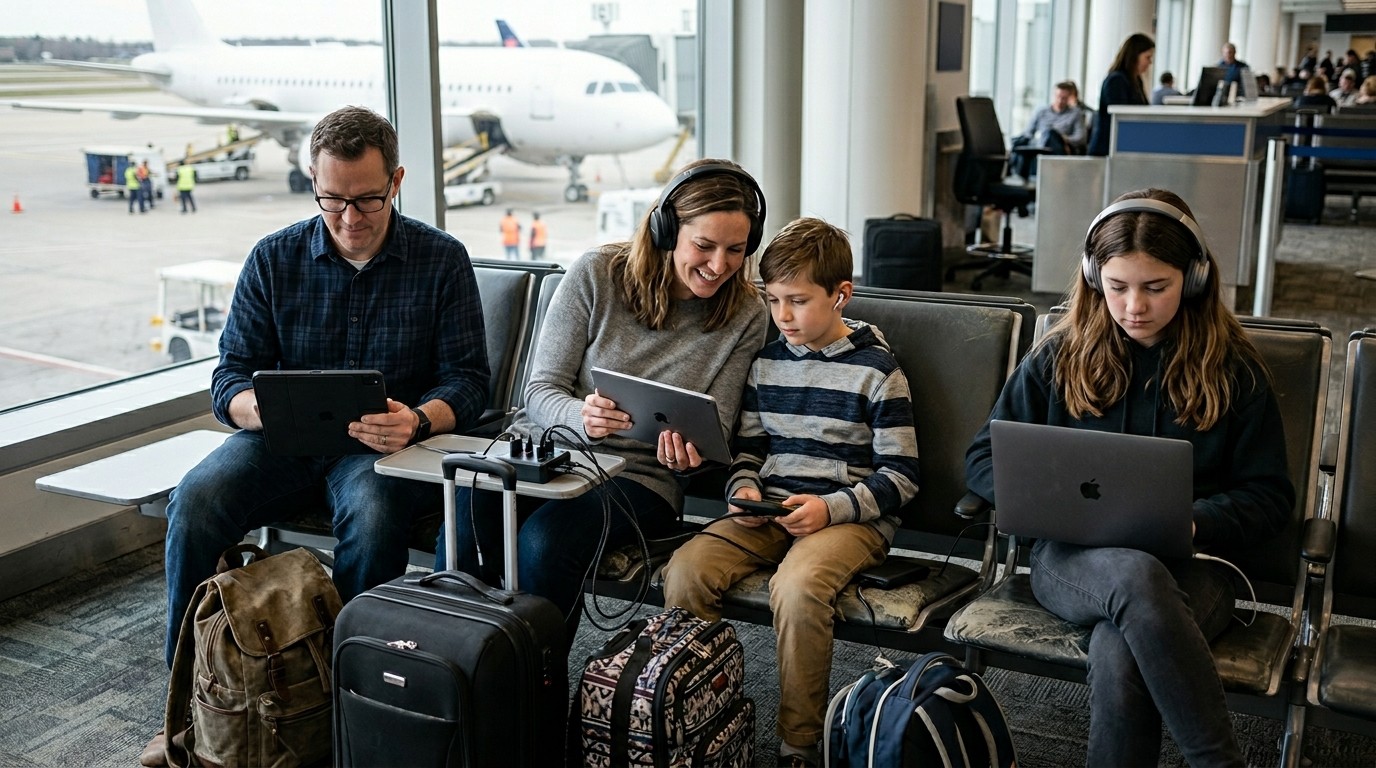
Families often carry more electronics than they realize. Tablets for children, a laptop for planning, shared headphones, cameras, and multiple chargers can fill a bag fast. Traveling With Electronics in a family setting works best when one adult is responsible for each category of item. That avoids double-packing and reduces the chance that a battery pack ends up in the wrong bag. TSA and FAA rules still apply to every traveler, so family organization is not just convenient; it is practical compliance.
For students, photographers, and content creators, the same principle applies. The more specialized the gear, the more important the packing order becomes. Traveling With Electronics is easier when the owner knows exactly where each device lives, where each battery is stored, and what needs to come out at screening. A little structure saves a lot of stress.
Common Mistakes to Avoid
One of the biggest mistakes in Traveling With Electronics is putting spare batteries in checked luggage. TSA and FAA both say those items should stay in the cabin. Another mistake is packing power banks loosely in a bag where they are hard to find during a gate check. A third mistake is assuming every airport checkpoint behaves the same way. Standard lanes, PreCheck lanes, and CT-equipped lanes can all produce different screening experiences. Traveling With Electronics becomes easier when you assume the rules are real and the details matter.
Another common problem is forgetting that expensive electronics should be packed carefully even when they are allowed in checked baggage. TSA recommends carry-on for valuable or fragile items, and that advice should not be ignored just because a device technically can be checked. Traveling With Electronics is about reducing regret later, not just passing inspection today.
Final Pre-Flight Checklist
Before you leave, check that your devices are charged, your batteries are in the carry-on, your cords are bundled, and your laptop or tablet is easy to reach if screening requires it. If you use TSA PreCheck or a CT lane, you may have a faster path through security, but your packing should still be organized and deliberate. Traveling With Electronics is at its best when your bag is built for both speed and compliance.
A final check also helps you avoid the stress of discovering a forgotten charger or misplaced adapter after you have already passed security. Traveling With Electronics should feel like a smooth part of the trip, not a puzzle you solve at the gate. If your system works at home, it will work better on the road.
Quick Packing Table for the Last Look
| Before You Leave | Check |
|---|---|
| Phone charged | Yes / No |
| Laptop in carry-on | Yes / No |
| Spare batteries in cabin bag | Yes / No |
| Power bank accessible | Yes / No |
| Chargers bundled together | Yes / No |
| Documents organizer ready | Yes / No |
Conclusion
Travel becomes easier when your gear is organized before the airport line ever begins. Follow the battery rules, keep valuable electronics close, and pack with screening in mind so you do not waste time repacking under pressure. A good system also helps you protect your devices, reduce delays, and stay ready for work, navigation, and communication throughout the trip. When you prepare in advance and think through each bag, each charger, and each checkpoint, the entire journey feels calmer. That is the real value of smart travel planning: fewer surprises, fewer errors, and more confidence from departure to arrival.
Frequently Asked Questions (FAQ)
1. Can I bring my laptop on a plane?
Yes. TSA allows laptops, and Traveling With Electronics is usually easiest when laptops stay in your carry-on.
2. Do power banks go in checked luggage?
No. TSA and FAA guidance say power banks must stay in carry-on baggage only. Traveling With Electronics should always treat spare batteries that way.
3. Do I have to remove my laptop at security?
At standard screening, TSA says larger electronics may need to be removed from carry-on bags. Traveling With Electronics can be faster in PreCheck or CT lanes.
4. Is TSA PreCheck better for electronics?
Yes. TSA says PreCheck travelers do not need to remove laptops and several other items. Traveling With Electronics is often simpler in those lanes.
5. What is the safest place for fragile electronics?
Usually your carry-on. TSA recommends packing expensive or fragile electronics there when possible, and Traveling With Electronics is safer that way.
6. Can I put chargers in checked bags?
Simple chargers can usually be packed in either bag, but the battery rules are what matter most. Traveling With Electronics should keep spare lithium batteries in the cabin.
7. What about tablets and e-readers?
They are allowed, and they are usually best kept in carry-on bags. Traveling With Electronics works best when valuable devices stay close to you.
8. Are battery limits important?
Yes. FAA guidance includes capacity limits and special handling for larger batteries. Traveling With Electronics should always include a quick battery label check.
9. How should I pack cables?
Keep them bundled in one pouch or pocket so they are easy to find. Traveling With Electronics is easier when accessories are organized before screening.
10. What is the most important rule to remember?
Keep spare lithium batteries and power banks in your carry-on, and pack valuable electronics where you can access them easily. Traveling With Electronics becomes much simpler after that.