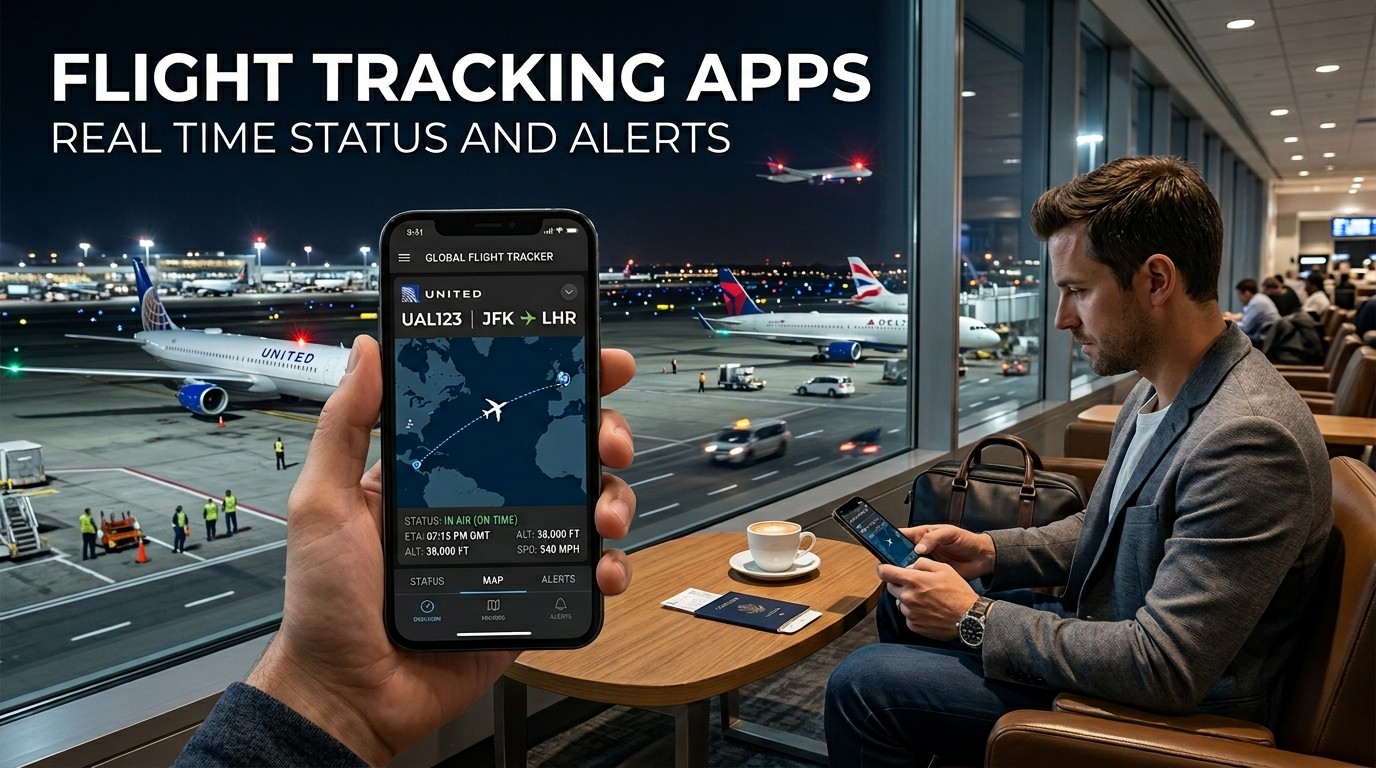
Flight Tracking Apps help travelers see delays, gate changes, weather impacts, and live movement faster, making airport days calmer, better timed, and easier to manage.
Flight Tracking Apps are useful because modern air travel changes quickly, and the traveler who knows first usually feels more in control. A live map, a delay notice, or a gate update can completely change how you move through an airport. Flight Tracking Apps reduce the gap between what is happening in the sky and what you need to do on the ground.
Flight Tracking Apps also support the emotional side of travel. Waiting is harder when information is vague, but it feels much easier when the status is clear. The best tools do more than show a plane icon; they help you make better decisions about leaving home, heading to the airport, or adjusting a connection.
Flight Tracking Apps are especially helpful during busy seasons, weather disruptions, and tight layovers. In those situations, small timing differences matter. A traveler who sees the first alert can recheck plans, contact family, or prepare for a gate change before the crowd builds. That simple head start can save stress and wasted time.
Flight Tracking Apps are not only for nervous flyers. Frequent travelers, family members, airport pick-ups, and business travelers all use them for different reasons. The common thread is control. When status is visible, uncertainty shrinks. That is why real-time flight information has become part of the modern travel routine.
What real-time status actually means
Flight Tracking Apps work best when they show more than a scheduled departure time. Real-time status usually includes movement on the map, departure or arrival estimates, delay notices, cancellations, gate changes, diversions, and in some cases weather layers or airport context. FlightAware says its app includes live tracking, status alerts, weather radar, and common event alerts like departure, arrival, cancellations, gate changes, delays, and diversions; Flightradar24 describes real-time maps, airport information, weather layers, and live notifications; Flighty highlights real-time updates, fastest alerts, and delay predictions.
Flight Tracking Apps are valuable because schedules change for reasons that are hard to predict from the outside. A flight may be technically on time until the last moment, and then an update can change everything. Live data helps you react faster. That does not eliminate disruption, but it turns surprise into something you can manage.
Flight Tracking Apps also matter because airports are complex places with many moving parts. A gate change, inbound delay, or weather issue can affect when you should leave home, when you should start security, or whether a connection is still realistic. When the app shows the new reality quickly, your next step becomes much easier to decide.
Flight Tracking Apps can be thought of as a timing tool as much as an information tool. The biggest win is not just knowing that a flight is late. It is knowing early enough to change what you do next. That is where alert speed becomes more useful than a static status page.
Features that matter most
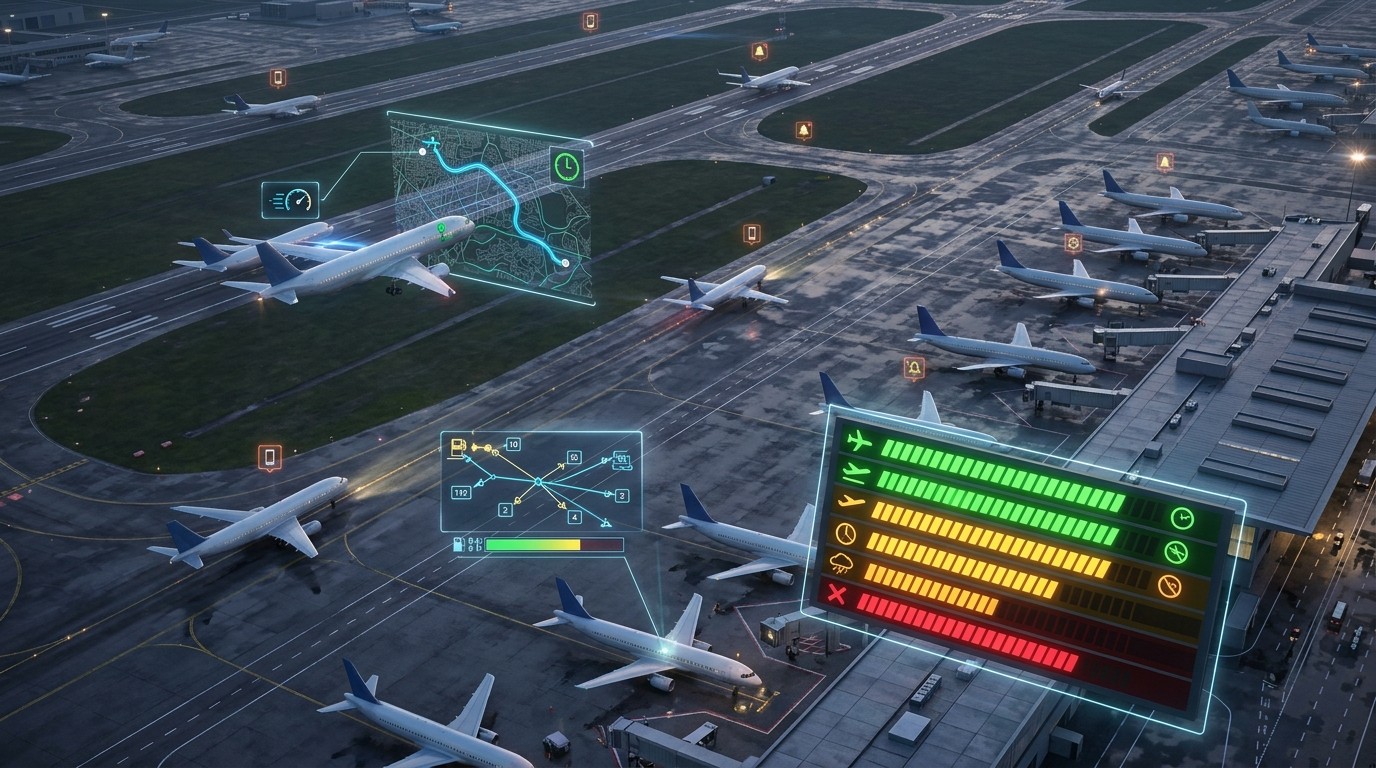
Flight Tracking Apps usually become most useful when they combine five things: live tracking, alerts, delay forecasting, airport details, and route context. Flighty’s official description emphasizes real-time updates and delay predictions, FlightAware lists free alerts for departure, arrival, cancellations, gate changes, delays, and diversions, and Flightradar24 highlights detailed airport information and live notifications.
Flight Tracking Apps should also be easy to scan. A traveler at the airport does not have time to hunt through menus. The important pieces need to be visible quickly: the airline, flight number, estimated time, gate, and any active warning. Clarity is not a nice extra; it is the difference between a useful tool and a cluttered one.
Flight Tracking Apps become even more useful when they show airport-specific context. If you can see the airport itself, not just the aircraft, it becomes easier to understand whether a delay is small, serious, or likely to ripple into the next leg. That is why airport views matter so much in practice.
Flight Tracking Apps often help because they let you watch both a single trip and the larger system. The flight may be yours, but the reason for the delay may be weather, congestion, or a late inbound aircraft. Once you can see that bigger picture, your decisions become less reactive.
Who benefits the most
Flight Tracking Apps help travelers who connect often, travel with children, coordinate pickups, or run on tight schedules. They also help family members at home who want to know whether someone landed safely. The technology is useful because it gives everyone a shared reference point instead of forcing repeated texting.
Flight Tracking Apps are also valuable for business travelers. When a meeting starts soon after landing, even a short delay can matter. A live alert allows the traveler to update a schedule before the problem becomes bigger. In that sense, the app protects time as much as it protects peace of mind.
Flight Tracking Apps are useful for vacation travelers too, especially when a trip is built around a connection or a hard-to-rebook leg. If the first flight changes, the second leg may be affected. Knowing that sooner gives you more options and more time to respond calmly.
Flight Tracking Apps can also support people picking up passengers. Instead of guessing when to leave, a driver can follow the live status and avoid long waits at the airport. That convenience matters because airport pick-ups are often a hidden source of friction and wasted time.
How alerts reduce stress
Flight Tracking Apps help lower stress because they replace uncertainty with a sequence of known facts. If a gate changes, you can move. If a plane is late, you can wait. If a flight is canceled, you can start rebooking. The sooner you know, the better the response.
Flight Tracking Apps also make the waiting process feel less passive. Instead of refreshing random pages or asking other people for updates, you can check one source and focus on the next step. That reduces the feeling of being trapped in a problem you cannot influence.
Flight Tracking Apps can be especially calming when weather causes disruption. FlightAware includes weather radar, and Flightradar24 offers real-time weather layers, which can help travelers understand whether the issue is local or system-wide. That context is useful because weather problems often affect more than one airport or route.
Flight Tracking Apps are at their best when they help you make small decisions before they become big ones. For example, knowing that a delay is building may change how you eat, when you go through security, or whether you start a new task. Little adjustments can save a lot of stress later.
A simple comparison table
| Need | What to look for | Why it matters |
|---|---|---|
| Delays | Fast alerts and updated ETAs | Helps you react early |
| Gate changes | Push notifications | Prevents missed boarding |
| Route status | Live map and aircraft info | Shows what is happening now |
| Airport context | Airport details and weather layers | Adds useful background |
| Rebooking help | Clear cancellation updates | Saves time in disruption |
Flight Tracking Apps often feel different in practice depending on which of these needs matters most. A traveler with a simple nonstop may care mostly about ETAs and gate alerts, while someone with a connection may care more about delay trends and inbound aircraft. The best app is usually the one that matches the trip you are actually taking.
Before you leave home
Flight Tracking Apps are most useful when they are installed and set up before the trip starts. That means entering your flight number early, checking that notifications are allowed, and making sure the phone battery is in good shape. Preparation matters because the first alert is only useful if you are ready to receive it.
Flight Tracking Apps also work better when paired with basic trip organization. Save the booking reference, terminal information, and airport transport plan in one place. If your flight changes, you can act faster because the rest of the trip details are already organized around it.
Flight Tracking Apps are even more helpful when you connect them to your broader travel setup. A Travel eSIM Guide can reduce the chance that you lose data access when roaming matters most, and Top Travel Apps and Gear can make the rest of the trip easier by keeping maps, documents, and communication tools within reach.
Flight Tracking Apps should be part of a wider travel habit, not a last-minute panic download. Travelers who set things up early usually feel more relaxed at the airport because they trust the alerts they are getting. That trust is often what turns a stressful day into a manageable one.
During delays and disruptions
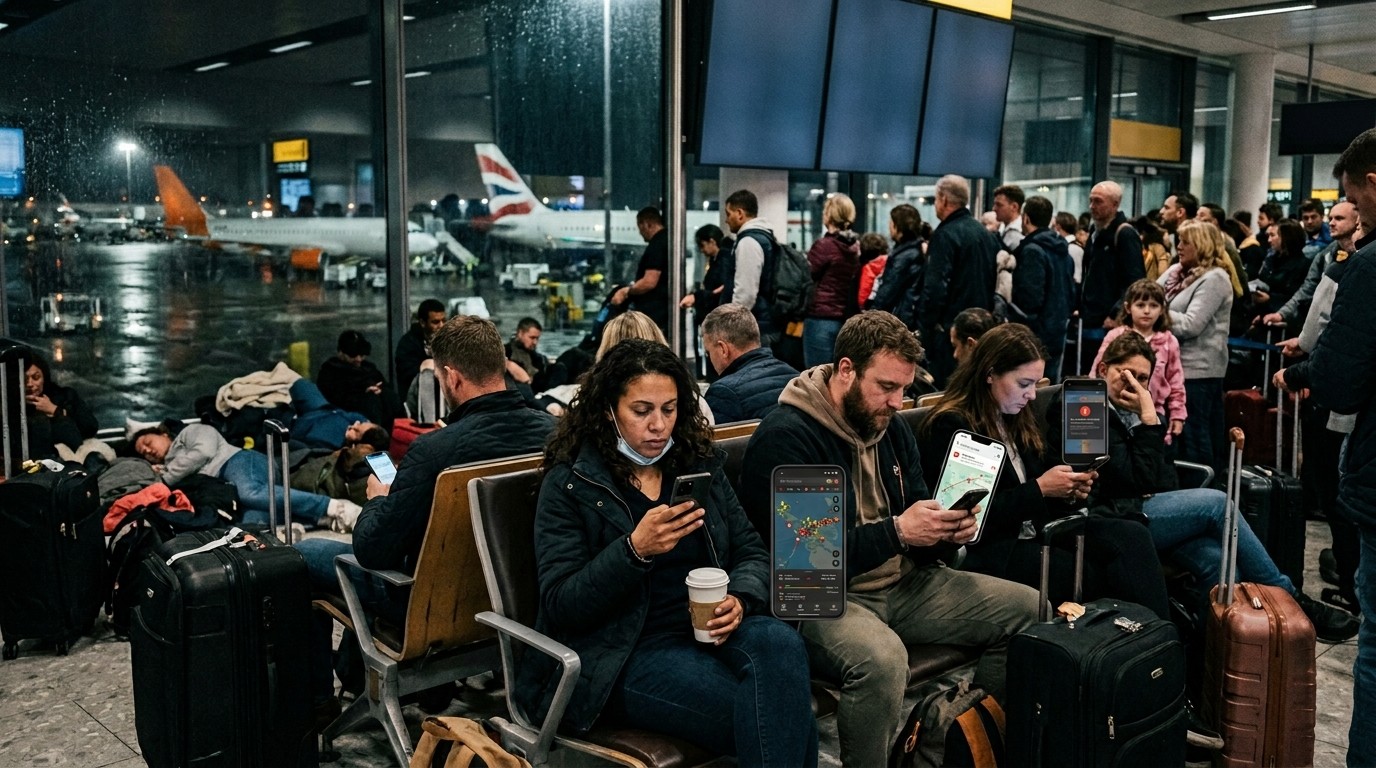
Flight Tracking Apps become especially valuable when something goes wrong. A delay is annoying, but it becomes much worse when you do not know how long it will last or whether the situation is improving. Real-time alerts help you decide whether to wait, eat, rebook, or move toward a different gate.
Flight Tracking Apps can also help you avoid the feeling that you need to ask five different people the same question. When the app gives a clear update, you can use that information to speak with airline staff more effectively. Clear facts often lead to better conversations at the counter.
Flight Tracking Apps are helpful for connecting flights because they give you a faster picture of whether the next leg is still possible. If the inbound aircraft is delayed, the app can show you that the problem is upstream. That allows you to start thinking about alternatives earlier.
Flight Tracking Apps do not remove the frustration of a bad travel day, but they do reduce the emotional spike that comes from not knowing. That matters because uncertainty often feels worse than bad news. Once the information is clear, the problem becomes something you can work with.
Why privacy and battery matter
Flight Tracking Apps should be helpful without becoming distracting. Notification settings matter because too many alerts can create noise rather than clarity. The goal is useful updates, not a phone that buzzes constantly with information you do not need.
Flight Tracking Apps are also limited by battery life. A dead phone makes real-time information useless. Travelers who expect a long travel day should keep a charger or power bank ready so the alerts remain available when they matter most.
Flight Tracking Apps work best when your phone itself is organized. Important apps should be easy to reach, and notifications should be set to show the updates that matter most. That small amount of setup can make a surprisingly large difference during a busy travel day.
Flight Tracking Apps also benefit from a traveler’s ability to filter information. Not every update needs a reaction. Some are informational, some are urgent, and some are simply noise. A calmer user usually gets more value from the app than a user who treats every ping as an emergency.
How to pick the right one
Flight Tracking Apps should be chosen based on your travel habits. If you mainly want live tracking, a map-first tool may be enough. If you want the fastest possible alerts, a notification-first app may fit better. If you care about airport context, choose a tool that shows more than a simple status line.
Flight Tracking Apps also vary by platform and workflow. Some travelers prefer a clean, visual experience on their phone. Others care more about alert depth or prediction quality. The right choice is the one you will actually check before and during travel, not the one with the most features on paper.
Flight Tracking Apps can be tested before a trip by watching a flight you know is active or by entering a known route. That gives you a quick sense of whether the interface feels intuitive. A good app should reduce effort, not add another layer of confusion.
Flight Tracking Apps are easiest to trust when they match your own travel rhythm. If you fly once a year, simplicity may matter more than advanced detail. If you fly every week, alerts and forecasting may matter more. The best app is the one that fits your level of use.
Where destination planning connects
Flight Tracking Apps can also be part of trip inspiration. If you are comparing destinations, a List of Cold Countries may be useful for ideas, but the actual flight details still matter more when you are deciding how to move, connect, and arrive.
Flight Tracking Apps are relevant when your trip is weather-sensitive. If you are trying to reach Cooler Places to Visit in Summer Heat, you may be more likely to travel through busy seasonal periods. That makes real-time flight status even more useful because weather and crowd timing can affect the journey.
Flight Tracking Apps can support international trips as well. If you expect to rely on mobile data abroad, a good Travel eSIM Guide can help you stay connected without depending on airport Wi-Fi. Good connectivity makes alerts much more dependable.
Flight Tracking Apps sit well alongside a broader planning stack. Once you have maps, contacts, booking details, and trip gear organized, the alert system becomes part of the full travel toolkit rather than a standalone gadget.
Good habits that make alerts more useful
Flight Tracking Apps work best when travelers keep flight numbers current and notifications enabled. That sounds simple, but it matters because the wrong flight, the wrong route, or muted alerts can make a strong app look weak. A few setup minutes can prevent that problem.
Flight Tracking Apps are more reliable when you use them early in the journey. Check the status before leaving home, again on the way to the airport, and once more after you clear security. That habit reduces surprises because you are following the flight as it changes.
Flight Tracking Apps also work well when combined with common sense. If the app says the flight is late, do not assume the gate will stay the same forever. If the app shows a cancellation, begin moving toward an airline solution rather than waiting for the situation to improve on its own.
Flight Tracking Apps are strongest when they help you think ahead instead of react late. That means using the data to shape your timing, food breaks, transit decisions, and connection expectations. The app is the signal; your response is the strategy.
Common mistakes travelers make
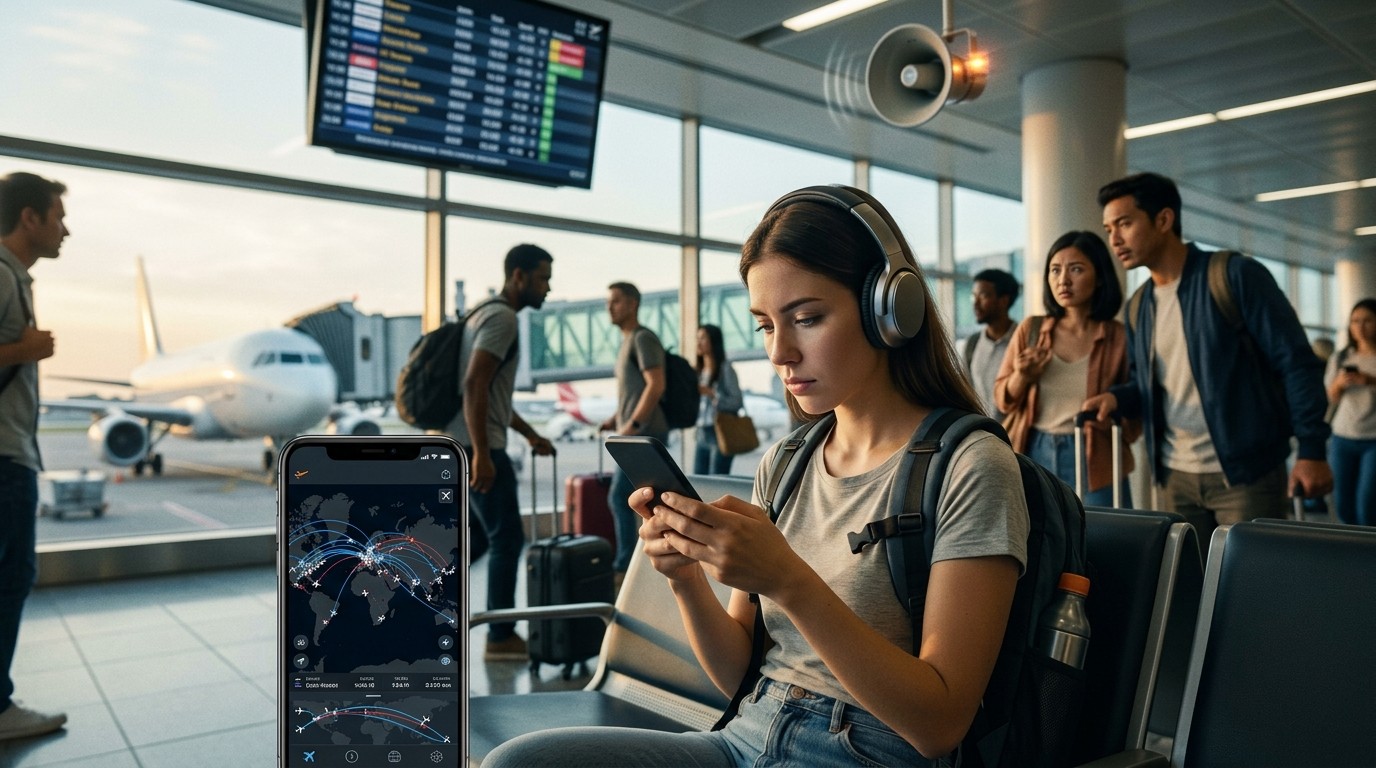
Flight Tracking Apps are often underused because people install them too late, do not allow notifications, or fail to enter the correct flight number. Those mistakes are easy to avoid, but they are common. A little setup discipline can improve the experience dramatically.
Flight Tracking Apps can also be overused. Some travelers refresh constantly and create more anxiety than clarity. That habit is rarely helpful. It is usually better to trust the alert and check at meaningful intervals rather than treating every minute like a crisis.
Flight Tracking Apps should not replace communication with the airline when a problem is serious. The app can show what is happening, but the airline controls rebooking, refunds, and seat changes. The best use of the tool is to gather information quickly so you can speak clearly with staff.
Flight Tracking Apps are most effective when they are part of a calm routine. Travelers who stay organized, keep their phone charged, and use alerts intelligently usually get the most value. In other words, the app helps, but the habit matters just as much.
Final practical take
Flight Tracking Apps give modern travelers a better way to handle changing schedules, gate updates, and delay anxiety. They are not about obsessing over every movement in the sky. They are about reducing uncertainty enough that you can make the next decision with confidence. When the app is set up correctly and used with a clear purpose, it becomes one of the simplest ways to make travel feel more manageable.
Flight Tracking Apps are especially helpful because they combine timing, visibility, and action. That mix is what makes them so practical for airports, connections, pickups, and weather disruptions. The best version is the one that fits your trip, delivers updates quickly, and stays easy to read when the day gets complicated.
Flight Tracking Apps also pair well with good connectivity, smart gear, and organized trip planning. In that sense, they are part of a bigger travel system. The better that system is, the less pressure you feel when travel changes. That is the real advantage of using live flight data well.
Conclusion
Travel feels easier when the information you need arrives before the problem grows. That is the core value of flight status tools. They reduce guesswork, improve timing, and give you a clearer picture of what is happening before you reach the airport or the gate. When alerts are set up properly, you can react to delays, cancellations, and gate changes with less stress and more control. The result is not perfect travel, but better-managed travel. That difference matters, especially on busy days, long trips, and tight connections. Good information does not remove disruption, but it does make disruption far easier to handle.
Frequently Asked Questions (FAQ)
1. What do flight status tools actually do?
They show live or near-live updates about a flight’s movement, delays, gate changes, cancellations, and other trip details so you can react faster.
2. Are live map apps useful for short trips?
Yes. Even for short trips, a gate change or delay alert can save time and reduce airport stress.
3. Should I use more than one app?
Some travelers do, but one well-set-up app is usually enough. The important thing is that the alerts are reliable and easy to understand.
4. Why do notifications matter so much?
Because the biggest benefit is speed. If you learn about a change early, you have more time to respond, recheck plans, or contact someone.
5. Do these tools help with connecting flights?
Yes. They are especially useful when the inbound aircraft is delayed and you need to know whether the connection is still realistic.
6. Can I use them for airport pickups?
Absolutely. They help drivers and family members know when to leave and avoid unnecessary waiting.
7. What should I check before installing one?
Look at alert quality, live tracking clarity, airport detail, and how easy it is to use during a busy travel day.
8. Do they work without good data?
Many features depend on a live connection. That is why good roaming or eSIM access can matter when you are traveling internationally.
9. What is the biggest mistake travelers make?
Installing the app too late or muting notifications. A great tool only helps if it is set up before you need it.
10. Are they worth it for infrequent flyers?
Yes, especially if you travel with family, take connections, or want less uncertainty on the day of departure.